Think about where your birth certificate is right now. If you’re like most people, it’s in a folder somewhere, maybe a filing cabinet, maybe a shoebox in the closet, maybe at your mom’s house. Now think about what happens if there’s a fire, a flood, or a move where a box goes missing. That piece of paper is gone, and replacing it means weeks of phone calls, government offices, and fees.
The fix is simple and it takes one afternoon: digitize your important documents and store them in the cloud. Here’s how to do it right.
Start with the documents that matter most
You don’t need to scan every piece of paper in your house. Focus on the documents that would be painful or impossible to replace. Birth certificates, marriage certificates, passports, social security cards, wills, property deeds, car titles, insurance policies, medical records, and vaccination records. If you have kids, their school records and custody papers belong on this list too.
A good way to think about it: if losing this document would mean standing in line at a government office, scan it.
You don’t need a scanner
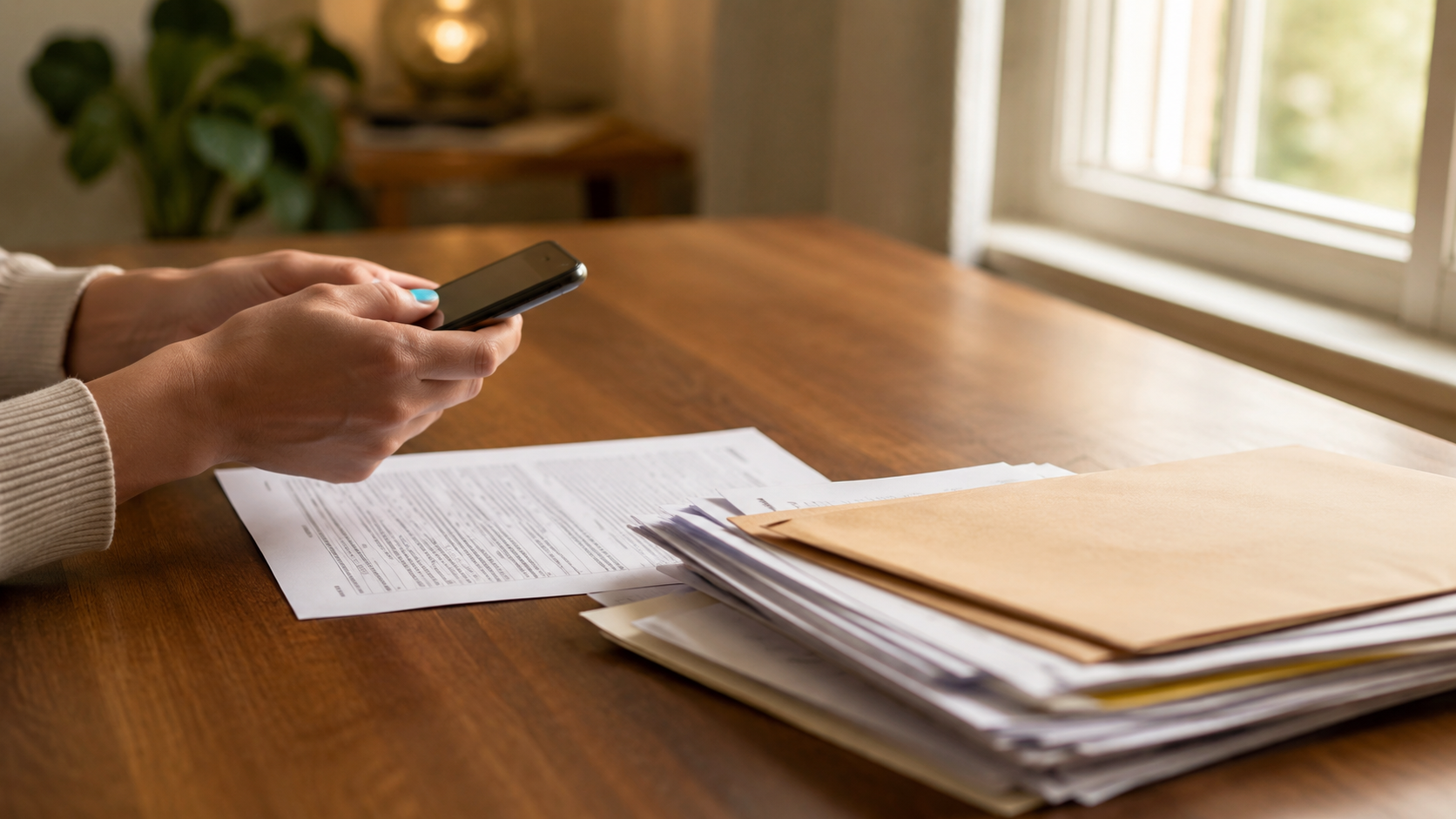
Good news, the scanner sitting at your office is optional. Your phone does this job really well now. Both iPhone and Android can scan documents directly. On iPhone, open the Notes app, create a new note, tap the camera icon and choose Scan Documents. On Android, the Google Drive app has a scan button that does the same thing.
These built-in scanners automatically straighten the page, fix the lighting, and save everything as a PDF, which is exactly the format you want. A photo of a document works in a pinch, but a proper scan is cleaner, smaller, and easier to print later if you ever need to.
A few tips for better scans: use a dark, flat surface as your background, scan in good light near a window, and make sure all four corners of the document are visible. For anything with fine print, check that you can zoom in and read it clearly before moving on.
Name your files so future you can find them
This is the step everyone skips and regrets. A folder full of files named “Scan 2026-06-11 (3).pdf” is almost as useless as the shoebox.
Give every file a name that says what it is and who it belongs to. Something like “birth-certificate-maria.pdf” or “car-title-honda-2022.pdf” works great. You don’t need a fancy system, you just need to be able to find the right document in ten seconds when you’re on the phone with the insurance company.
Then organize them into a few simple folders. One folder per family member plus one for the household (property, insurance, vehicles) covers most families. Done.
Now get them into the cloud
Here’s the part that actually protects you. A scan that only lives on your phone is barely safer than the paper original, because phones get lost, stolen, and dropped in pools all the time.
Upload your scanned documents to your cloud storage and double check they’re actually there. Open a few of them from the cloud and make sure they’re readable. Once they’re uploaded, those documents survive anything that happens to your phone, your computer, or your house. That’s the whole point.
Lock things down
Family documents are exactly the kind of files that deserve extra protection, so take advantage of the security features your cloud storage offers.
Use a strong, unique password on your account, not the same one you use everywhere else. If you ever need to share one of these documents, with a lawyer, a school, or a family member, don’t email it as an attachment. Send a link with a password and an expiration date instead. That way the document isn’t sitting in someone’s inbox forever, and access closes itself when the job is done.
And think carefully about who needs ongoing access. Your spouse probably should be able to reach these files. Your cousin who asked for a copy of one thing once probably shouldn’t have the whole folder.
Keep the originals anyway
Digitizing doesn’t mean throwing away the paper. Some documents, like birth certificates and titles, are still required in their original physical form for certain official processes. Keep the originals in one safe place, ideally a fireproof box or a safe deposit box, and let the cloud copies handle everything else.
The cloud copy is for the everyday stuff: filling out forms, sending a copy to the school, checking a policy number. The original comes out only when someone official demands it. You’ll be surprised how rarely that actually happens once you have good digital copies.
Make it a yearly habit
Documents keep arriving. New insurance policies, updated wills, this year’s tax return, the new car title. Once a year, maybe when you do your taxes since the papers are already out, spend twenty minutes scanning whatever is new and uploading it to the right folder.
One afternoon of setup, twenty minutes a year of maintenance, and your family’s most important paperwork is protected for good. That’s a pretty good trade.
If you need a secure place to keep all of it, OwlCloudHost gives you a free 1 GB account, which is more than enough for a lifetime of family documents since PDFs are tiny. You get password protected sharing and expiring links on every plan, including the free one, and paid plans start at $1.99 per month if you want room for photos and more. Get started at owlcloudhost.com.