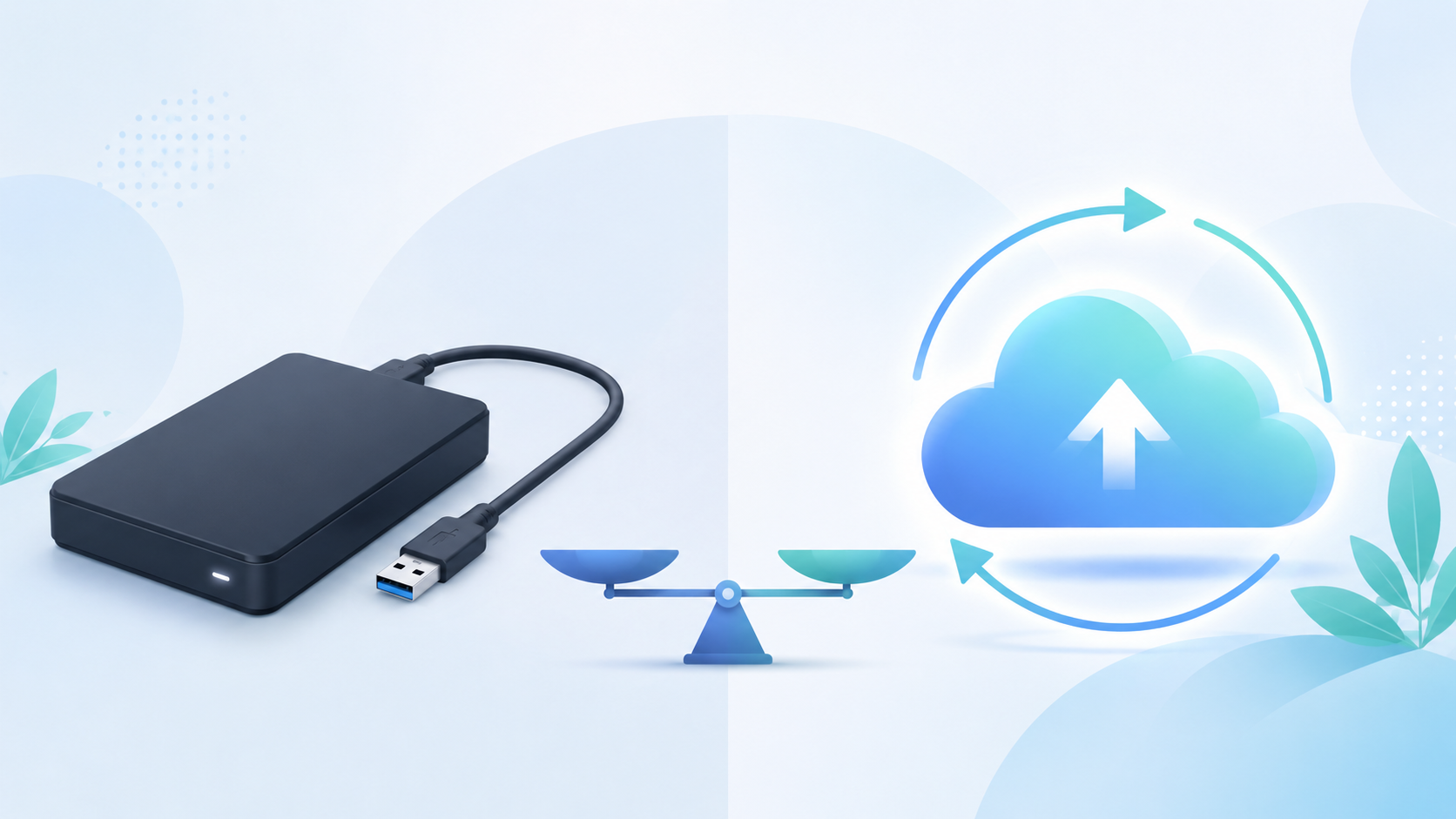
At some point almost everyone hits the same wall. Your laptop is full, your phone keeps warning you about storage, and you know you should be backing things up but you are not totally sure how. Two options come up again and again: cloud storage and an external hard drive. People tend to treat it like a choice between one or the other, as if picking a side settles the question forever.
The honest answer is that they do different jobs, and the right pick depends on what you actually need them for. Let us break down how each one works, where each one shines, and where each one will let you down, so you can decide without the marketing noise.
What an external hard drive is really good at
An external hard drive is a physical box you plug into your computer, usually over USB. You drag your files onto it and they sit there on a spinning disk or a solid state chip inside the case. Simple, direct, and yours.
The biggest thing an external drive has going for it is cost per gigabyte. You pay once and you own a lot of space. An 8 terabyte desktop drive can hold an enormous amount of photos, video, and project files for a price that would cover only a year or two of a cloud plan at the same size. If you work with huge files all day, like raw video or high resolution photography, that math matters.
Speed is another point in its favor. When the drive is plugged straight into your machine, moving files is fast and does not depend on your internet at all. No upload bar crawling along, no waiting for a sync to finish. You copy a folder and it is done in the time it takes the cable to do its work.
There is also something to be said for control. The drive is in your hands. Nobody else can reach it, there is no monthly bill, and no company policy decides what happens to your files. For people who like knowing exactly where their data lives, that is worth a lot.
Where an external hard drive lets you down
Here is the problem nobody likes to think about. A hard drive is a physical object, and physical objects fail. Drives die, sometimes with no warning at all. One day it works, the next day it makes a clicking sound and your files are gone. There is no backup of the backup unless you made one yourself.
It can also be lost, stolen, or damaged. A drive that holds ten years of memories is also a drive that can be left in a bag on a train or ruined when a glass of water tips over. Because everything is in one place, losing that one place means losing everything on it.
Then there is access. An external drive only helps you when you are physically near it and have it plugged in. You cannot pull up a file from your phone at a coffee shop if the drive is sitting in a drawer at home. For anyone who moves between devices or works away from their desk, that is a real limit.
What cloud storage is really good at
Cloud storage flips the model. Instead of keeping your files on a box you own, you upload them to servers that you reach over the internet. Your files live online, and you get to them by signing in from any device.
The headline benefit is access from anywhere. Phone, laptop, a borrowed computer at the library, it does not matter. If you can sign in, your files are there. You finish something on your laptop and open it on your phone an hour later without moving anything by hand. For people who bounce between devices, this alone is the reason they switch.
The second benefit is protection from disaster. When your files live in the cloud, a dead laptop or a stolen phone is an annoyance, not a catastrophe. The files are not on the broken device, they are online, waiting for you to sign in from something else. Good services also keep your data across multiple machines on their end, so a single failure does not wipe out your stuff.
Sharing is the third big one. Sending a large file or a whole folder to someone is as easy as creating a link. No bouncing email attachments, no carrying a drive across town. You can hand someone access in seconds and, on a service that does it well, set a password or an expiration date so the access closes when the job is done.
Where cloud storage lets you down
Cloud storage leans on your internet connection. Uploading a very large library the first time can take a while, and if your connection is slow or unstable, big transfers test your patience. Once your files are up there the day to day feels smooth, but that first upload is the part people underestimate.
Cost works differently too. Instead of paying once, you usually pay a small amount every month for the space you use. For modest needs this is cheap, often cheaper than people expect, but if you need a massive amount of room the monthly model can add up over many years compared to buying a drive outright.
And you are trusting a company with your files, so the company you pick matters. A good provider is clear about encryption, about who can see your data, and about what happens if you stop paying. A sloppy one is not. This is the part worth doing a little homework on before you commit anything important.
So which one do you actually need?
Here is the part most articles dodge. For most people, the real answer is not one or the other. It is both, used for different jobs.
Think of an external hard drive as good for bulk storage at home. Huge video projects, a giant photo archive, the stuff that is too big or too expensive to keep entirely online. It is fast, it is cheap per gigabyte, and it sits right there when you need to move a lot of data quickly.
Think of cloud storage as your safety net and your access layer. The files you would be heartbroken to lose, the documents you need from anywhere, the things you share with other people. Those belong in the cloud, because the cloud survives the spilled coffee and the dead drive and the lost bag.
The old rule that backup pros live by fits here. Keep important files in more than one place, and do not let all of those places be things that can break at the same time. A drive on your desk and a copy in the cloud cannot both die from one accident. That is the whole point.
If you are going to pick only one to start with, think about your biggest fear. If your nightmare is losing irreplaceable files to a dead device or a theft, start with the cloud, because it protects you no matter what happens to your hardware. If your nightmare is running out of room for enormous files and you rarely need them away from your desk, an external drive solves that cheaply today.
A simple setup that works for almost everyone
You do not need a complicated system. Here is one that covers most people well.
Keep the files you use often on your computer where they are fast to reach. Put the big stuff you rarely touch on an external drive to keep your machine clean. And keep a copy of anything truly important in the cloud, so a hardware failure can never take it from you. Three layers, each doing the job it is best at.
Set it up once and the maintenance is tiny. Every couple of months, move the new big files to your drive and make sure your important folders are still safely backed up online. Fifteen minutes now and then buys you the peace of mind of knowing nothing is sitting in only one fragile place.
The bottom line
External hard drives and cloud storage are not rivals. They are tools with different strengths. A drive gives you cheap, fast, local space that you own outright. The cloud gives you access from anywhere and protection that survives whatever happens to your devices. Used together, they cover each other’s weak spots, and that combination is stronger than either one alone.
If you do not have the cloud half of that setup yet, OwlCloudHost is an easy place to start. You get a free 1 GB account with no credit card, password protected sharing and expiring links on every plan including the free one, and paid plans that begin at $1.99 per month when you need more room. Whatever you keep on your hard drive, keep a copy of the important things somewhere a spilled drink can never reach. Get started at owlcloudhost.com.