If you have ever tried to send a video through email, text message, or a messaging app, you already know the frustration. The file either bounces back with an error, takes forever to upload, or arrives on the other end looking noticeably worse than what you started with. Video is one of the trickiest types of files to share because of its size, and most of the tools people reach for first were never built to handle it well.
Why videos lose quality when you send them
Most messaging apps and social platforms automatically compress video files before sending them. WhatsApp, Instagram, and even text messaging on phones will shrink a video’s resolution and bitrate to save bandwidth and storage space on their servers. This happens automatically, and there is usually no setting to turn it off. So even if you record a video in stunning 4K, the version your friend or client receives might look blurry, pixelated, or full of compression artifacts.
Email has a different problem. Most providers cap attachments somewhere between 20 and 25 MB, which is nowhere near enough for even a short clip in decent resolution. A three-minute video shot on a modern phone can easily be several hundred megabytes, making email a non-starter for anything beyond a few seconds of footage.
What actually preserves video quality
The only reliable way to send a video without losing quality is to avoid platforms that compress or resize files during transfer. This usually means using a cloud storage or file hosting service instead of a messaging app or email attachment.
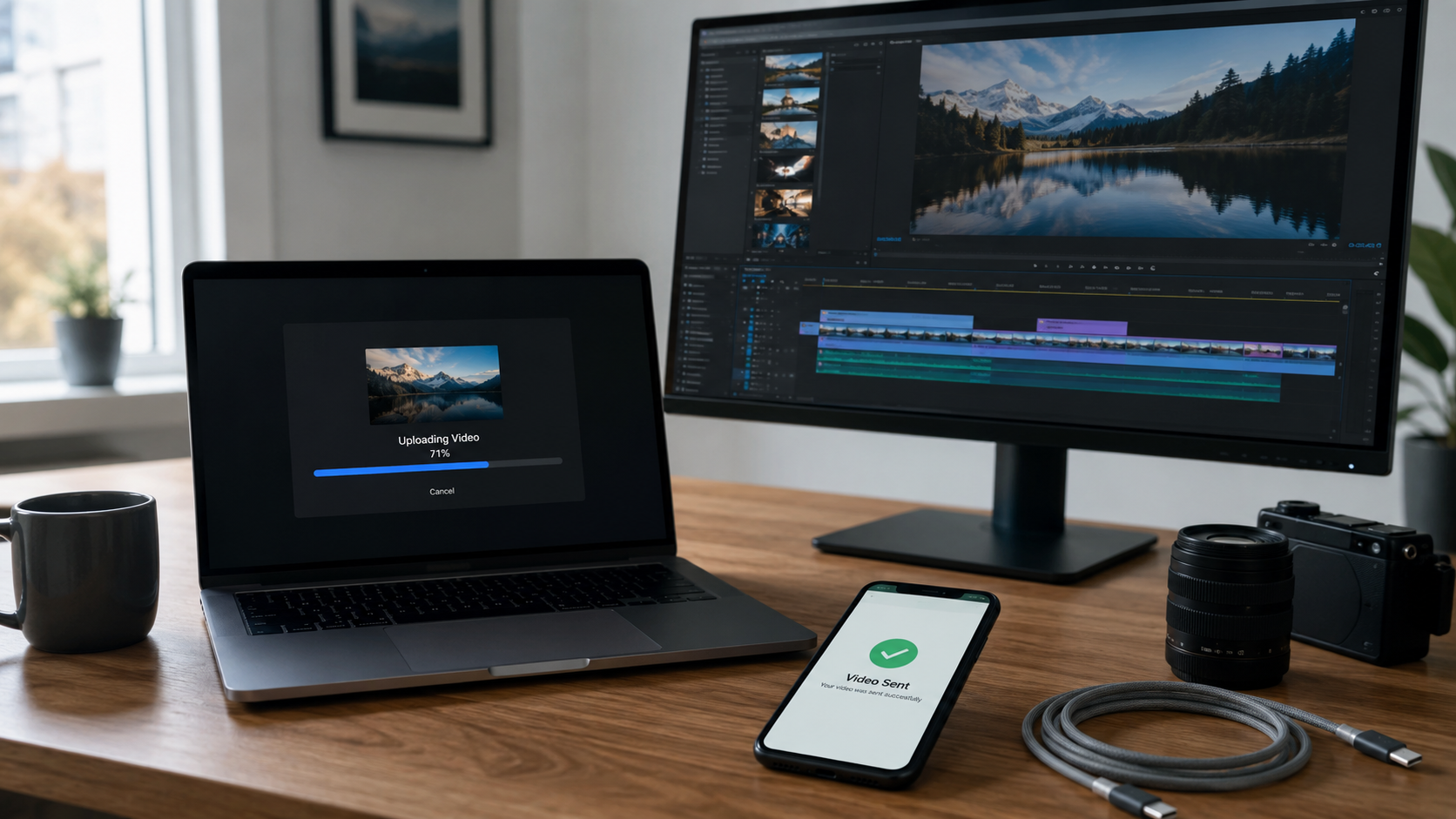
When you upload a video to a cloud storage platform, the file is stored and shared exactly as it was recorded, byte for byte. Instead of sending the video itself, you send a link. Whoever opens that link can view or download the original file without any of the compression that ruins quality on other platforms.
This approach also solves the size problem. Cloud storage platforms are built to handle files far larger than what email or messaging apps allow, so a two-hour wedding video or a raw, unedited project file is no more difficult to share than a short clip.
A few tips for keeping large video transfers smooth
Upload during off-peak hours if your internet connection is shared with other devices at home or in the office. Uploads compete for the same bandwidth as everything else, and a slower connection can make a large file take much longer than expected.
Check your export settings before uploading. If you are exporting from editing software, make sure you are not accidentally exporting at a lower resolution or bitrate than your original footage. This is a common mistake that has nothing to do with how the file is sent afterward.
Use a wired connection when possible. Wi-Fi is convenient, but a wired ethernet connection is more stable for large uploads, especially if the file is several gigabytes.
Confirm the recipient’s access before sending. If you are sharing with a client or collaborator, make sure the link permissions are set correctly so they can view or download without running into an access error.
Where OwlCloudHost fits in
This is exactly the kind of problem cloud file hosting was built to solve. With OwlCloudHost, you upload your video once, at full quality, and share a private link instead of the file itself. There is no automatic compression working against you in the background, and no arbitrary size cap forcing you to split a project into pieces just to send it.
Whether you are a videographer delivering final footage to a client, a business sharing training videos with a remote team, or just someone who wants to send a birthday video to family without it looking like it was recorded underwater, having a reliable place to upload and share large files makes the whole process painless.
If you deal with large video files regularly, it might be worth setting up a dedicated folder for client deliverables or project exports, so everything stays organized and ready to share the moment it is finished.

1 comment
[…] fix is the same one professionals in any file-heavy field use: upload the original file once, share a link, and whoever needs it downloads the exact same quality you shot. No compression working against you […]