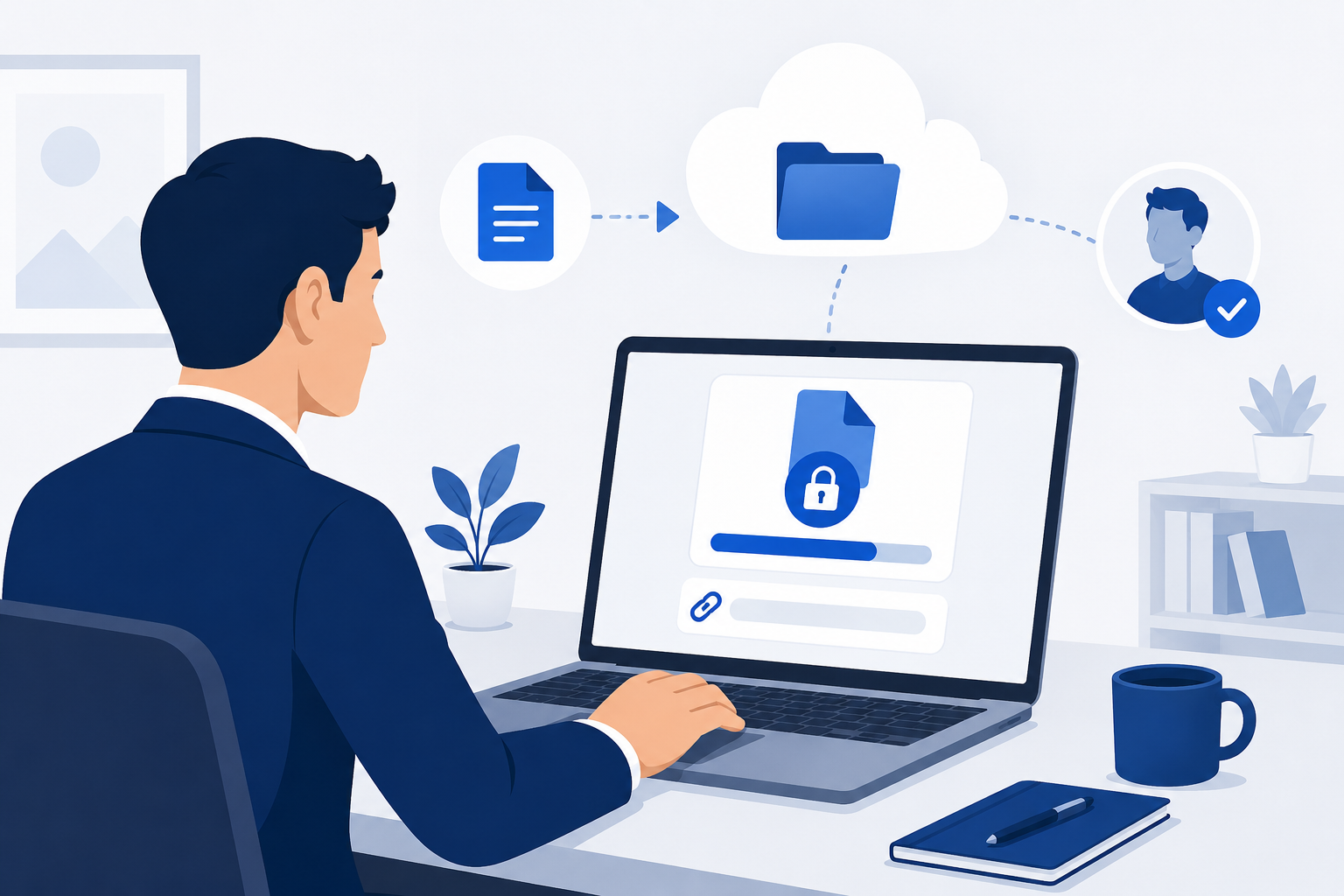
Sending files to clients sounds simple until you actually try to do it. The file is too big for email, the free tool you used last time generates a sketchy-looking download link, and by the time your client figures out how to access it, you have already sent three follow-up messages explaining where to click.
There is a better way, and it does not require a complicated setup or an expensive enterprise plan.
Why the Method You Use to Send Files Actually Matters
Most clients will never say anything when the file delivery process is clunky. They will just quietly form an opinion about how organized and professional you are. A clean, fast, secure download link says something about you before the client even opens the file. A broken link or a confusing file transfer process says something too.
Use a Dedicated File Hosting Platform
The easiest upgrade you can make to your client delivery process is switching from email attachments or consumer apps to a dedicated file hosting platform. These platforms are built specifically for uploading large files and sharing them through clean, direct download links that work reliably every time.
Unlike email, there are no size limits. Unlike free consumer tools, there are no ads, no forced account creation for your client, and no sketchy redirect pages before the download starts.
Always Use a Password-Protected Link
Any file you send to a client should have a password on it. This takes about ten seconds to set up and protects your work from being accessed by anyone who happens to get hold of the link. Send the link in one message and the password separately, through a text message or a quick phone call. It is a small habit that makes a big difference.
Set an Expiration Date
Links that stay active forever are links you eventually lose track of. Set your download links to expire after a reasonable window, usually seven to fourteen days after delivery. Once the client has downloaded the files, there is no reason for the link to keep working. Expiring links also give you a natural reason to follow up if a client has not downloaded their files yet.
Name Your Files Like a Professional
Before you upload anything, take thirty seconds to name your files properly. Something like 2026-06-01_ClientName_FinalDelivery.zip tells your client exactly what they are downloading and when it was delivered. Random file names like finalfinal_USE THIS_v3.zip do the opposite.
Keep a Copy on Your End
Once a project is delivered and the link expires, make sure you still have a copy of the files on your side. File hosting platforms are for delivery, not for replacing your own storage and backup system. Keep the originals somewhere safe so you can re-deliver quickly if a client needs access again later.
A Simple Delivery Process That Works
Upload your files to a reliable hosting platform, set a password and an expiration date, name the files clearly, send the link to your client with a short note explaining what is included and how long the link will be active. That is it. The whole process takes a few minutes and leaves your client with a professional, straightforward experience every time.
At OwlCloudHost, our plans are built exactly for this kind of workflow, starting at $1.99 per month. If you are still attaching files to emails or relying on free tools that embarrass you a little every time you use them, it is worth making the switch.