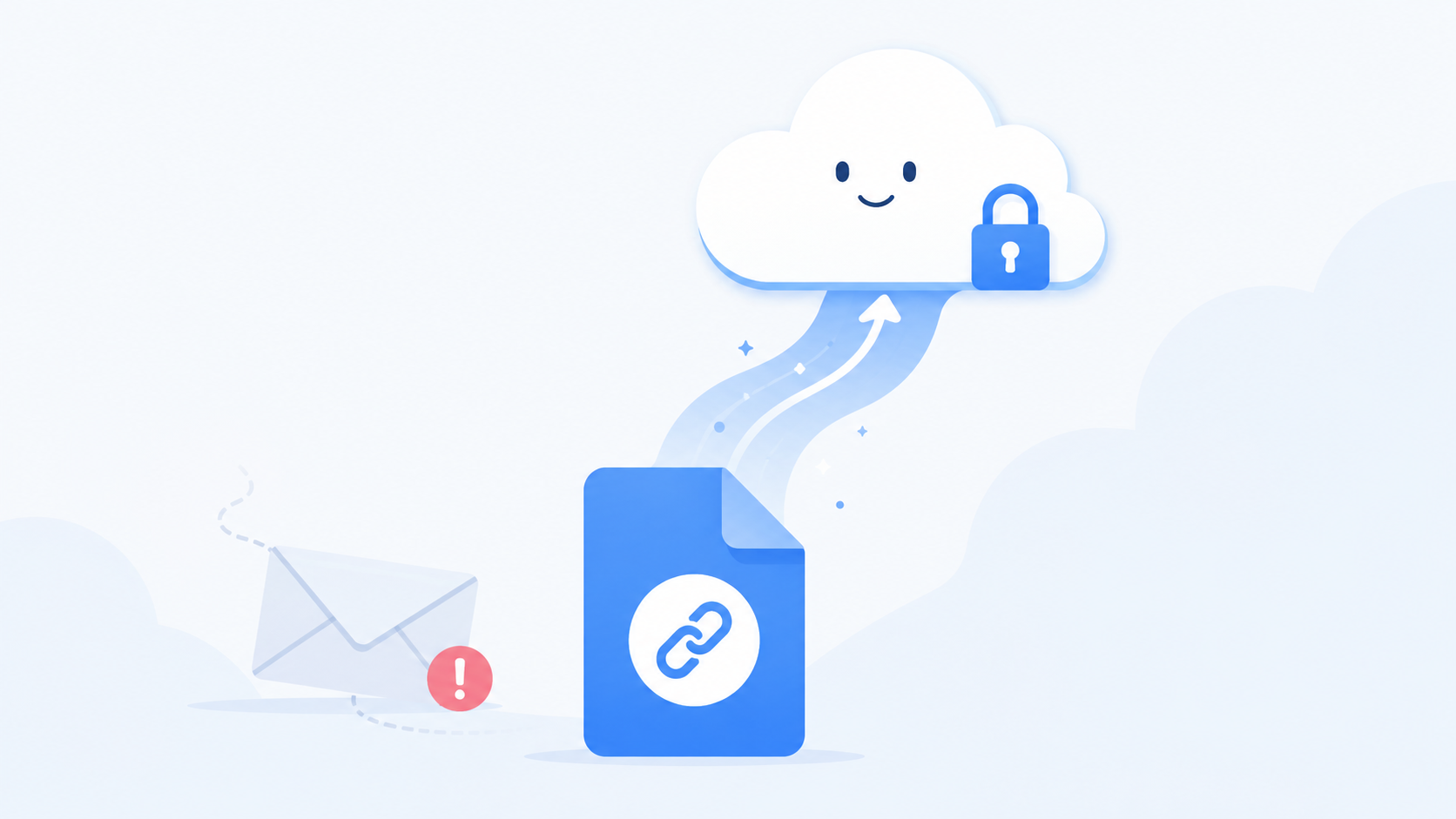
You’ve been there. You finish a video, a folder of high-res photos, a big presentation, and you go to email it to someone. You attach the file, hit send, and a few seconds later your email comes bouncing right back with a message about the attachment being too large. Now you’re stuck, the other person is waiting, and you’re googling how to fix it.
The good news is this is one of the easiest problems to solve once you understand why it happens. Let’s walk through it.
Why email rejects big files in the first place
Email was never built to move large files around. It was built for text and small attachments, and most email providers cap attachments somewhere around 25 MB. Gmail, Outlook, Yahoo, they all land in that same range.
The thing is, 25 MB is tiny by today’s standards. A few minutes of phone video blows right past it. A folder of photos from a single event can be ten times that. So the moment you try to send anything substantial, the email either bounces back or just silently fails to go through, which is worse because you think it sent and it didn’t.
There’s also a second problem people don’t think about. Even when a file is small enough to technically send, email attachments get copied to every person on the thread and stored on every server in between. Send a 20 MB file to five people and you’ve just created a hundred megabytes of duplicates floating around. It’s messy and it’s slow.
The fix: send a link, not the file
Here’s the shift that solves everything. Instead of attaching the file to your email, you upload it once to cloud storage and send a link to it. The person clicks the link and downloads the file directly. No size limit, no bouncing, no clogged inboxes.
This is how professionals move files, and it’s simpler than it sounds. Your file lives in one place. Everyone you share the link with pulls from that same copy. If you need to send it to one more person next week, you send the same link again instead of digging up the file and re-attaching it.
The steps are basically the same no matter which service you use. Upload the file to your cloud storage. Create a share link for it. Paste that link into your email instead of attaching anything. Hit send. The email is now tiny because it’s just text and a link, so it goes through every time.
Make the link work for you, not against you
A plain share link gets the job done, but a little setup makes it much better, especially if the file is something private or time-sensitive.
Set a password on the link when the file matters. That way even if your email gets forwarded or ends up in the wrong inbox, nobody opens the file without the password. You send the password separately, maybe in a text message, and only the right person gets in.
Set an expiration date too. If you’re sending a contract that only needs to be downloaded this week, there’s no reason for that link to keep working forever. Have it expire in a few days and the file closes itself off automatically once the job is done. You don’t have to remember to go back and shut it down.
These two settings turn a simple share link into something you can actually trust with important files, and they take about five seconds to turn on.
What about really big files?
Sometimes you’re not sending 50 MB, you’re sending 5 GB. A wedding videographer delivering raw footage, a designer sending a packaged project, a photographer handing over a full shoot. The link approach handles this beautifully because there’s no attachment to choke on. The size of the file doesn’t matter to the email at all, since the email is only carrying the link.
The only thing that matters with huge files is your upload. Make sure you’re on a stable connection when you upload something large, because a dropped connection halfway through means starting over. Upload it once, properly, and then you can share that link with as many people as you need without ever touching the file again.
A quick note on free file-dump sites
When people first hit the email size wall, a lot of them end up on one of those free “upload and share” sites that throw ads at you and make the other person click through three pages to download anything. They work in a pinch, but they’re not where you want your important files living. Many of them delete your file after a few days, plaster download pages with sketchy ads, and give you no control over who accesses what.
If you’re sending something you care about, or sending files regularly, a real cloud storage account is worth it. Your files stay put, your links are clean, and you decide who gets access and for how long.
The bottom line
The next time email bounces a file back at you, don’t fight it. Email isn’t the tool for that job and it never was. Upload the file, grab a link, and send that instead. It works every time, it works for files of any size, and with a password and an expiration date it’s safer than an attachment ever was.
If you need somewhere reliable to do this, OwlCloudHost gives you a free 1 GB account to start, with password-protected links and expiring links included on every plan, even the free one. Upload your file, share the link, and never see a bounce-back again. Paid plans start at $1.99 per month when you need more room. Get started at owlcloudhost.com.