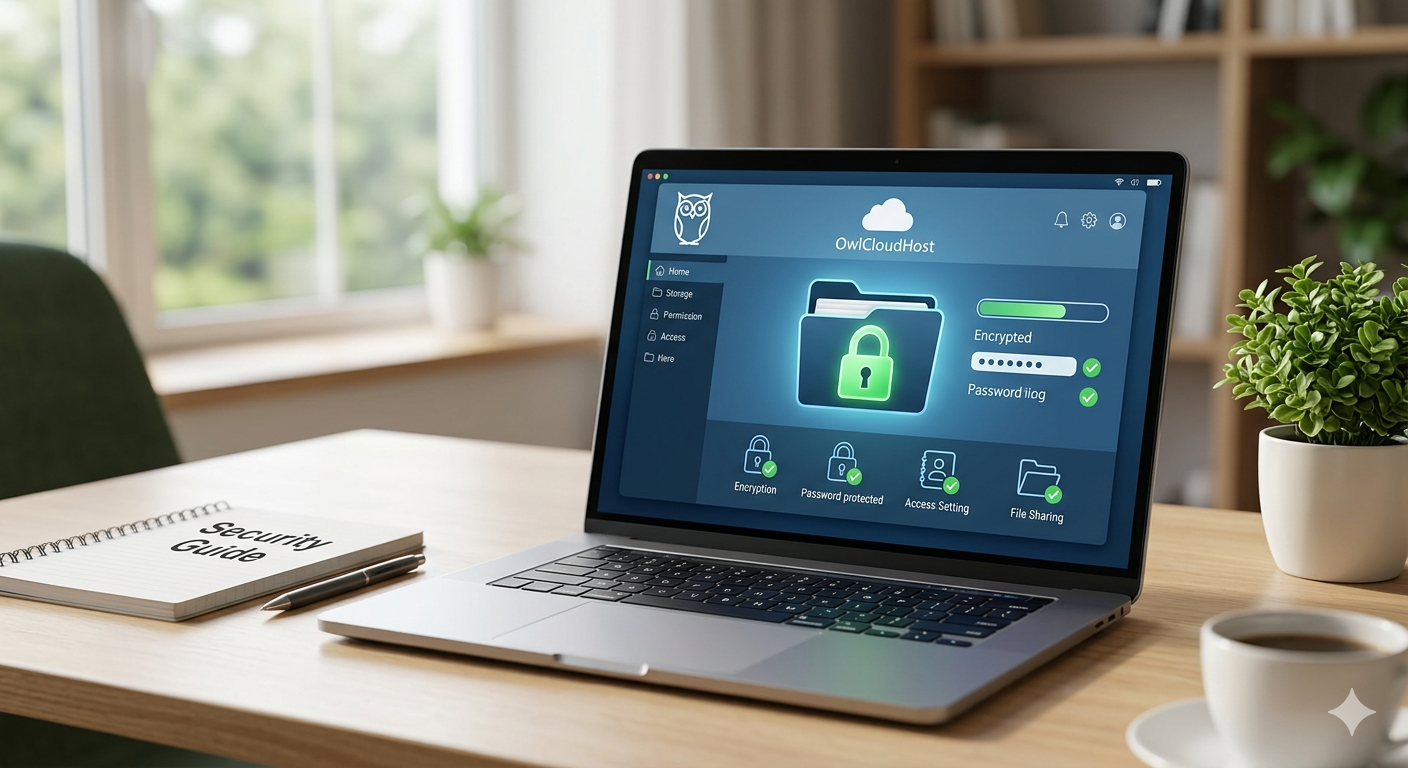
In the digital age, information is the most valuable asset for any professional or business. However, sharing files over the internet is often the most vulnerable point for your data security. It’s not just about uploading a file — it’s about ensuring that only authorized individuals can access it. At OwlCloudHost, we take privacy seriously. Here are five fundamental steps to share content like a pro.
1. Use Strong Passwords for Your Links
Don’t rely solely on a secret URL. Whenever possible, protect your download links with a robust password. This adds an extra layer of security in case the link falls into the wrong hands and ensures that even if someone intercepts the URL, they still cannot access your file without the password.
2. Set Expiration Dates
Do you really need that file to be available forever? Probably not. Setting your links to expire after 24 hours or a week drastically reduces long-term data exposure. Once the link expires, it becomes completely inaccessible — even to someone who saved it.
3. Verify Access Permissions
Before sending a file, make sure to configure whether the recipient can only view it or also edit and download it. Total control should always remain on your side. Giving someone more access than they need is one of the most common and easily avoidable security mistakes.
4. Avoid Public Wi-Fi for Sensitive Uploads
If you are uploading important documents to your OwlCloudHost account, always ensure you are using a secure connection. Public networks are easy targets for interception and should never be used when handling sensitive or confidential files.
5. Monitor File Activity
Periodically review who has accessed your shared links. OwlCloudHost gives you visibility over your digital assets so you never lose track of your information. A quick review every few weeks can catch unauthorized access before it becomes a real problem.
Conclusion
Security doesn’t have to be complicated. With the right tools and a bit of caution, you can collaborate with total peace of mind. Want to learn more about protecting your workflow? Visit the Security and Privacy section of our blog for more practical tips.