Most people feel pretty good about their files once they’re “in the cloud.” It syncs, it’s accessible from anywhere, it doesn’t live only on one laptop that could get dropped in a parking lot. That’s not a bad starting point. But it’s also not a complete protection strategy, and for small businesses, the difference between those two things tends to show up at the worst possible time.
The 3-2-1 backup rule is something IT people have been preaching for decades. It’s not complicated. It’s three numbers, and then actually doing something about them.
What the 3-2-1 Backup Rule Actually Means
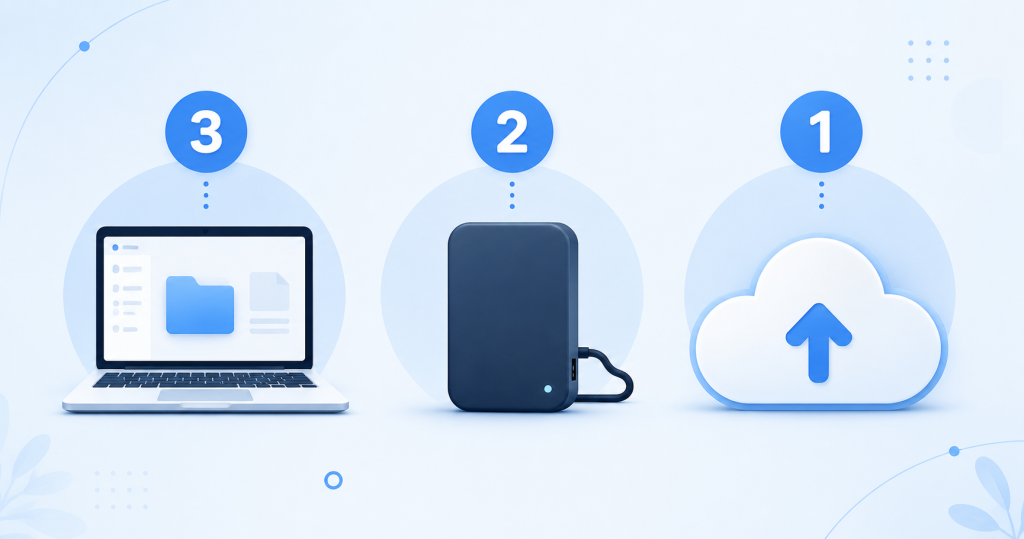
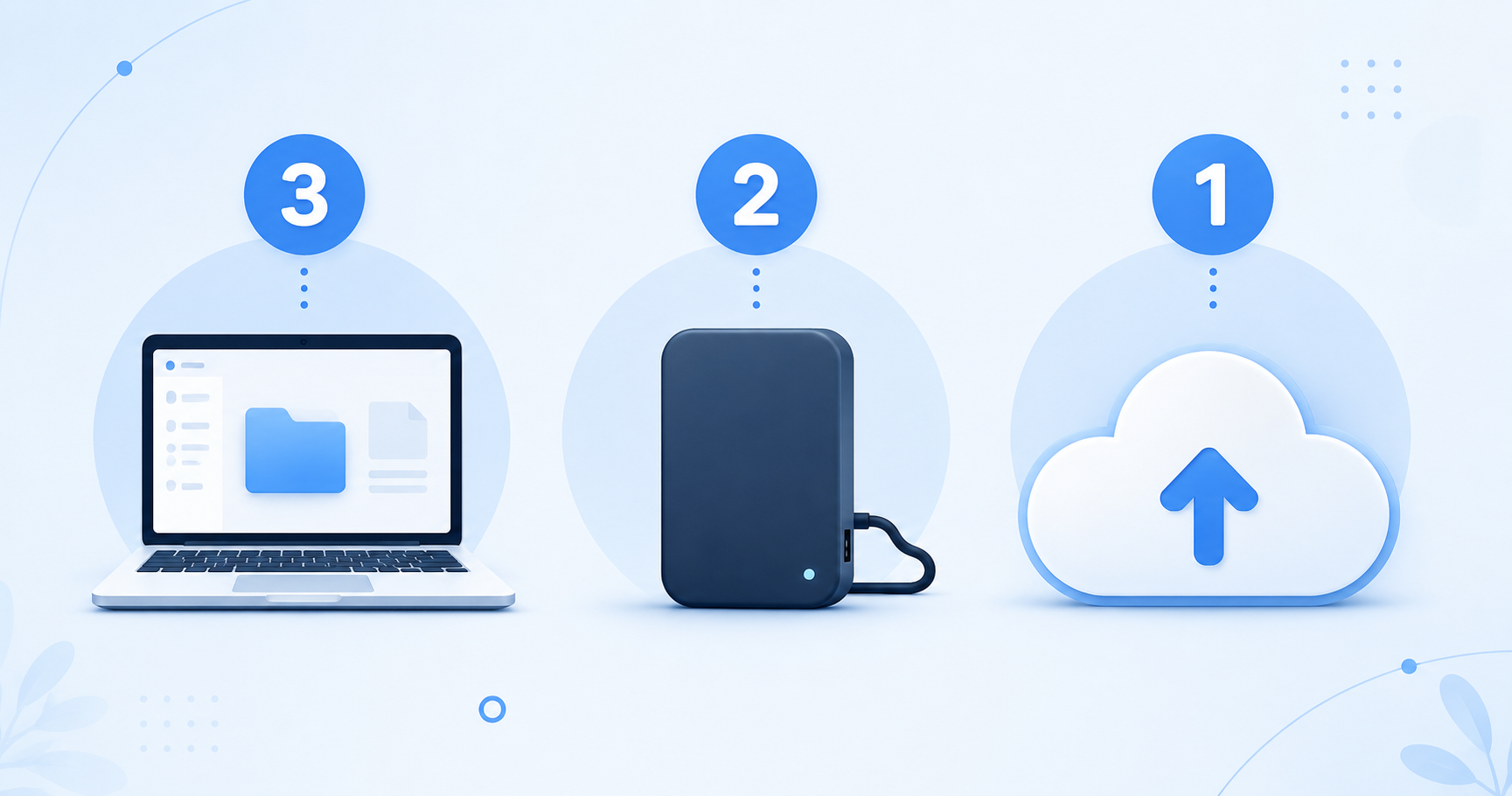
Keep 3 copies of your data, on 2 different types of storage, with 1 copy stored offsite.
Each part matters for a specific reason.
3 copies means your original plus two backups, not one. The reason people often skip the second backup is that it feels redundant. It’s not. Backups fail. A drive dies without warning, a cloud account gets locked, a service goes down on exactly the day you need it. If your one backup fails at the same moment you need it, you have nothing. The third copy exists specifically for that scenario.
2 different types of storage means your copies can’t all be the same thing in the same place. Two external hard drives on the same shelf don’t count. If you’ve got a local drive and a cloud account, those are two different types. A network drive at the office and an offsite cloud backup: same idea. The point is that no single incident can reach all of them at once.
1 copy offsite is the one most small businesses skip, and also the one that matters most when things go really wrong. A fire, a flood, someone breaking in, a power surge that fries everything plugged into the wall: your offsite copy is the one that survives all of that, because it’s somewhere else entirely.
Why Cloud Storage Alone Doesn’t Cover This
This is where a lot of people get tripped up. Cloud sync is not the same as a backup, even though it feels like one.
When you use a sync service, it mirrors your files. That’s its whole job. Change something on your laptop, it changes in the cloud. Delete a folder, it’s gone from the cloud too. A contractor we know lost three years of project photos this way. Someone on his team deleted the wrong folder, it synced everywhere before anyone noticed, and by the time he looked in the trash it had already been emptied. The cloud copy was perfectly up to date. That was the problem.
Ransomware works the same way, and it’s common enough that the U.S. government runs a whole site about it, StopRansomware. It encrypts your local files, the sync catches up, and now your cloud copy is encrypted garbage that matches your local encrypted garbage. Everything in sync, nothing usable.
Sync is genuinely useful. It’s great for access and collaboration. But it’s not designed to protect you from mistakes, because the whole point of sync is that everything looks the same everywhere, including after something goes wrong.
How to Set Up the 3-2-1 Backup Rule for Your Business
You don’t need a complicated system to follow the 3-2-1 backup rule. Most small businesses can do this with what they already have or close to it.
Copy one is whatever you’re already working with: files on your computers and devices.
Copy two is a local backup that doesn’t automatically mirror your live files. An external drive that you back up to on a schedule works fine. A network-attached drive at the office is another option. The key is that it’s separate enough that accidentally deleting something doesn’t immediately wipe this copy too.
Copy three is offsite, ideally cloud storage where your files are stored independently, not synced in real time from your desktop. This is the copy that survives whatever happens to your office, and the one you can access from anywhere if your local hardware is gone.
The whole thing can cost less than $5 a month depending on how much storage you need. Most small businesses are closer to that than they realize.
The Thing That Breaks the Whole System
Having three copies is only useful if those copies can’t all be taken out at once. If all three are connected to the same network, logged into the same account, or sitting in the same room, a ransomware attack or a fire doesn’t care how many copies you had. It gets all of them.
The independence is what makes the 3-2-1 backup rule work. Each copy needs to be reachable by a different path, so that whatever takes out one of them doesn’t automatically reach the others.
How Often Should You Back Up?
It depends on how much data you can afford to lose. Not in a philosophical sense. Literally: if your backup is from last Monday and today is Friday, how bad would it be to lose four days of work?
For most small businesses, backing up working files daily and running a full backup once a week is reasonable. The offsite copy should be recent enough that losing your office tomorrow wouldn’t cost you more than a day or two of work. If that’s not where you are, it’s worth closing the gap.
Starting Without Overthinking It
If your files only exist in one place right now, step one is just getting a second copy somewhere else. Doesn’t matter where, anything is better than one. Then look at whether you have two different storage types. Then check if one of them is genuinely offsite.
From there it’s mostly about consistency. A backup you run occasionally when you remember isn’t a backup strategy, it’s wishful thinking. Pick a schedule that’s realistic and automate as much of it as you can.
When something goes wrong (and at some point it will), the only thing that matters is whether you can answer “where’s the backup?” quickly and confidently. If you can, the 3-2-1 backup rule is doing its job.
OwlCloudHost works well as the offsite piece of your 3-2-1 backup rule setup. Upload your files at full quality, keep them organized and private, and know there’s a copy somewhere that your office can’t touch. Plans start at $1.99 per month. Start free at owlcloudhost.com.

1 comment
[…] backup is for protection. They solve different problems. If you want a simple system to follow, the 3-2-1 backup rule is a great place to […]