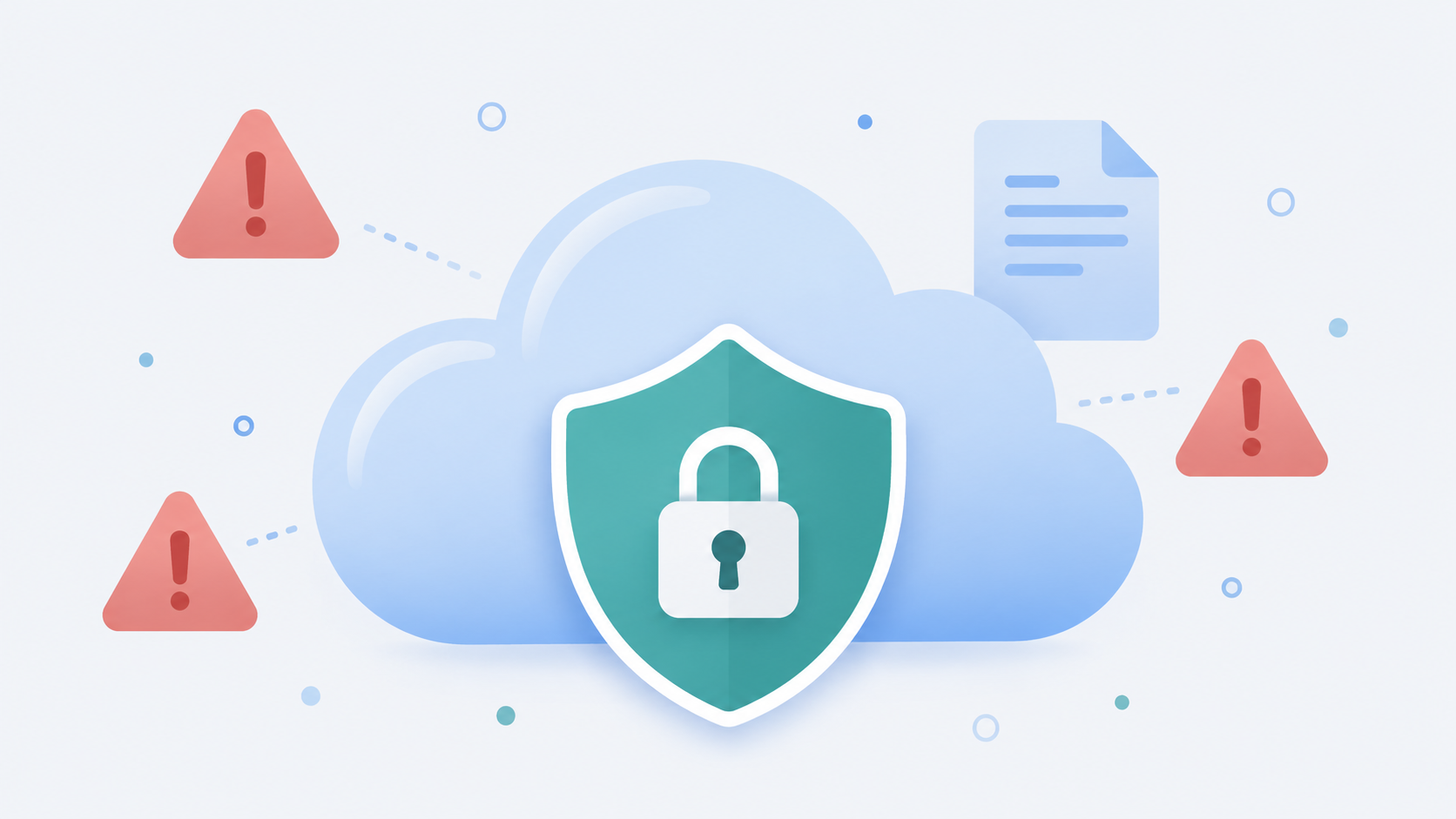
Most people set up their cloud storage once and never think about it again. That’s exactly the problem. A few small habits, the kind that feel harmless in the moment, are the reason files go missing, get exposed, or become impossible to recover when something goes wrong. Here are the five most common ones, and how to fix each one in a few minutes.
1. Using the same password everywhere
If your cloud storage password is the same one you use for your email, your streaming account, and that forum you signed up for in 2019, one breach anywhere in that chain puts your files at risk. Password reuse is still the single biggest reason accounts get compromised, because attackers don’t need to guess your password, they just try the ones already leaked from some other site.
Fix it: Use a unique password for your cloud storage account, ideally generated and stored in a password manager. If your provider offers two-factor authentication, turn it on. It takes thirty seconds to set up and blocks almost every automated account takeover attempt.
2. Treating “shared” the same as “backed up”
Sharing a folder with someone is not the same as backing it up. If you only have one copy of a file sitting in a shared folder, and that folder gets deleted, edited, or corrupted by whoever it’s shared with, that file is gone. A lot of people find this out the hard way after a group project or a family photo album disappears.
Fix it: Keep an owned, private copy of anything irreplaceable, separate from shared folders. Sharing is for collaboration. A dedicated backup is for protection. They solve different problems.
3. Never checking who still has access
Old share links and account permissions tend to pile up quietly. That contractor from two years ago, the ex-roommate, the client whose project ended last spring, they may still have access to files and folders they no longer need to see. Most people never think to check, because nothing looks wrong on the surface.
Fix it: Once every few months, take five minutes to look through your active shares and shared links. Revoke anything you don’t recognize or no longer need to keep open. If your provider supports expiring links, use them by default instead of permanent ones.
4. Ignoring file versioning until it’s too late
Overwriting a file feels efficient right up until you overwrite the wrong version, or a bad edit gets saved on top of the good one. Without version history, that mistake is permanent. This is one of the most common ways people lose work they assumed was safe simply because it was “in the cloud.”
Fix it: Check whether your storage provider keeps previous versions of a file when it’s updated, and how far back that history goes. If it does, you have a safety net. If it doesn’t, save major drafts as separate files before making big changes, rather than trusting a single copy to survive every edit.
5. Storing sensitive files without any extra protection
Not every file needs the same level of protection, but some absolutely do. IDs, tax documents, financial records, and anything with someone else’s personal information shouldn’t sit in a folder with the same access as your vacation photos.
Fix it: Use password protection on sensitive share links, set expiration dates so access closes automatically, and keep truly sensitive documents in their own clearly labeled folder rather than mixed in with everything else. If a link ever ends up in the wrong hands, a password and an expiration date are the difference between a minor scare and a real problem.
None of this requires starting over
The good news is that fixing all five of these takes less time than it took to read this article. A stronger password, a private backup copy, a quick access review, checking your version history, and locking down sensitive shares, that’s it. None of it means switching providers or rebuilding your folder structure from scratch.
If you’re looking for cloud storage that makes secure sharing simple from the start, password-protected links and expiring shares come standard on every OwlCloudHost plan, including the free one. Get started at owlcloudhost.com.